
Locked Out Of Windows
Windows Password Help — Bournemouth Locked Out of Your Windows PC? We Understand Your Pain — and We Fix It Safely Forgotten password, corrupt PIN, or a second-hand laptop you can’t access? We unlock Windows without deleting your files — quickly, securely, and locally in Bournemouth. 📞 Call 01202 399911 View Pricing Read FAQs Same-Day […]
Why You Need a VPN Today

Why Do You Need a VPN? 1. To Keep Your Internet Private When you go online—whether you’re shopping, banking, or just watching YouTube—your device sends information through your internet connection. Without a VPN, your internet provider (and potentially hackers on the same network) can see what you’re doing. With a VPN: Your connection gets encrypted […]
What is an iPhone Incell LCD Screen?
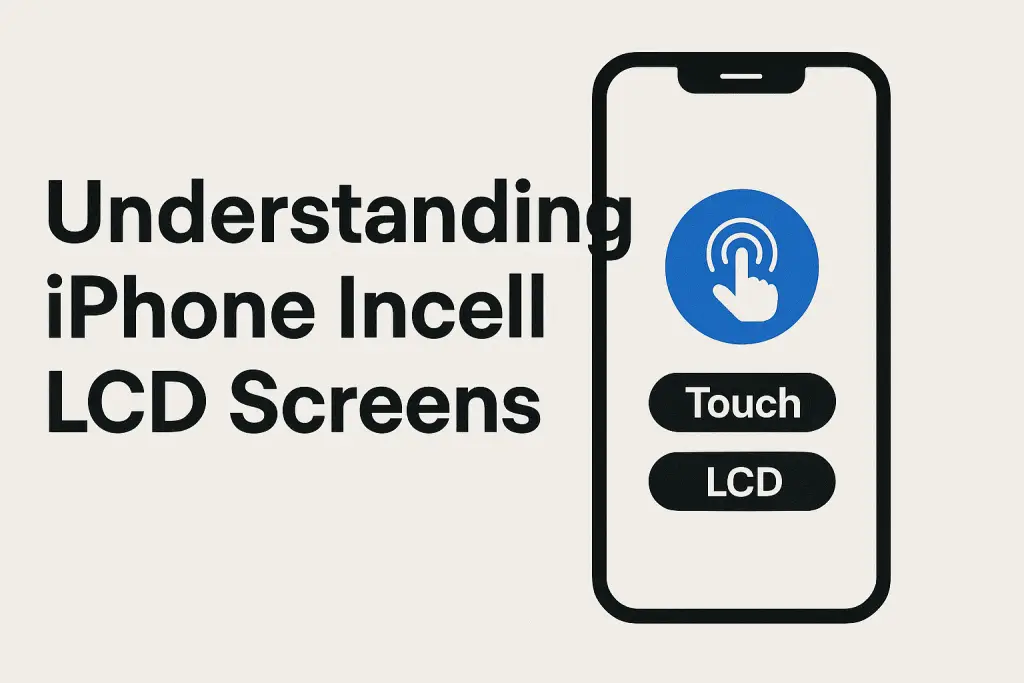
What is an iPhone Incell LCD Screen? Incell technology is a manufacturing method where the touch-sensitive digitizer layer is embedded directly into the LCD itself, rather than sitting on top of it. This is different from more traditional aftermarket screens where the digitizer and LCD are two separate components laminated together. Apple uses a more […]
Apple CarPlay and Android Auto

Unlocking the Power of Apple CarPlay and Android Auto: What These Systems Can Do for You In today’s fast-paced world, staying connected while driving is crucial. Apple CarPlay and Android Auto bring the functionality of your smartphone directly to your car’s dashboard, offering a seamless and safer way to interact with apps. Whether you need […]
Deactivating TalkBack on an Android Phone:
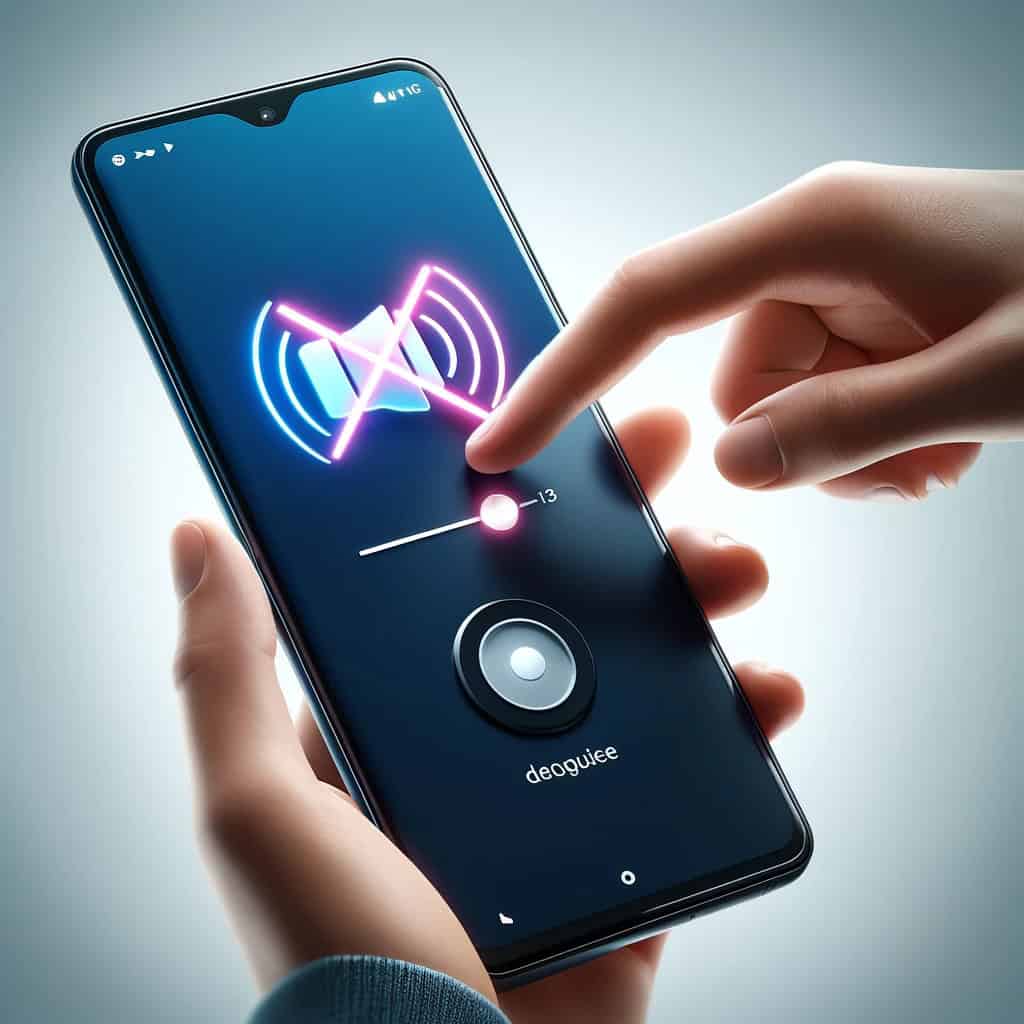
intermediate skill guide Beginers Guide Deactivating TalkBack on an Android Phone: How TalkBack might have been activated: Shortcut Activation: Android has accessibility shortcuts which can be used to activate TalkBack. This might involve pressing both volume keys simultaneously for a few seconds. If pressed accidentally, this can enable TalkBack without the user initially realizing it. […]
iPhone Voiceover: How can I turn it off?
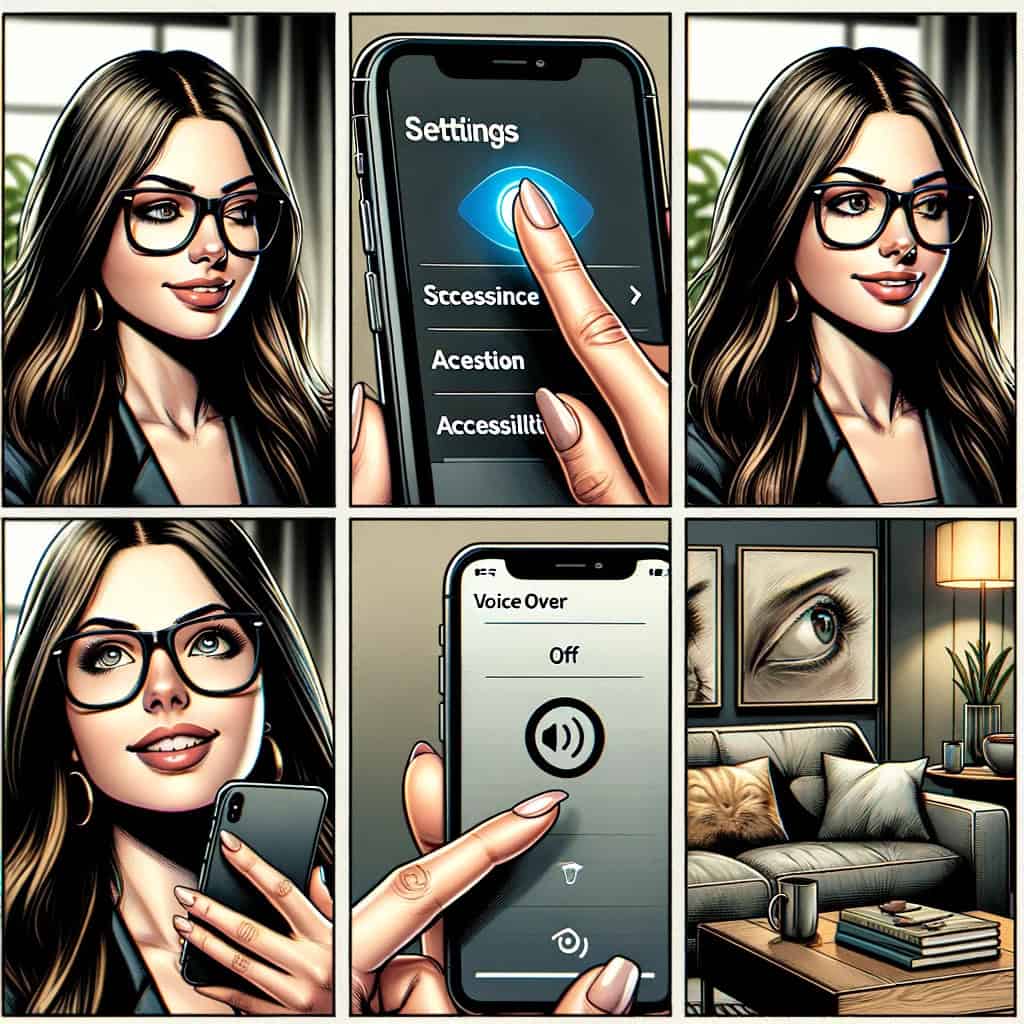
Turning off VoiceOver on your iPhone when it has been accidentally enabled Using Siri If Siri is enabled, the easiest way to disable VoiceOver is by asking Siri. Simply activate Siri by pressing and holding the side button (or saying “Hey Siri,” if you have set it up to listen) and then say, “Turn off […]
Fixing the iPhone’s Sudden Silent Ring Issue

Understanding Your iPhone’s Ringtone Behavior: Why It Rings Loudly Three Times Then Goes Quiet Introduction If you’ve recently noticed your iPhone ringing loudly for three times and then suddenly going quiet, you’re not alone. Many iPhone users have experienced this peculiar behavior and often wonder why this happens. This post delves into the various reasons […]
How can I tell if my Mobile Phone Charging Port Needs to be Replaced?

Do you really need to change your Mobile Phone Charging Port? It’s great that you’re looking into the health of your mobile phone’s charging port! Determining whether your phone’s charging port needs cleaning or replacing involves a few steps. Here’s a straightforward way to assess the situation: Inspect the Charging Cable and Adapter: Cable Condition: […]
How To Set Up a Google Account
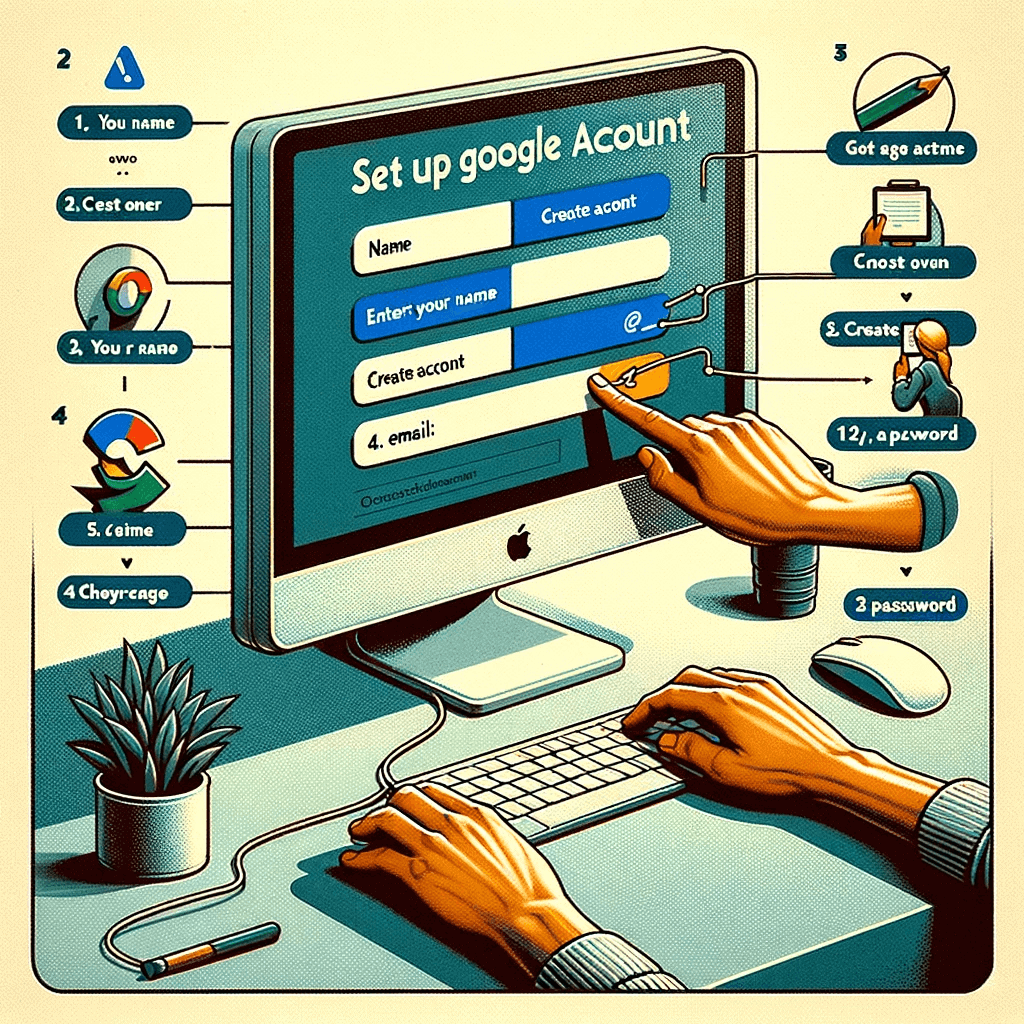
Setting up a Google account Setting up a Google account is a straightforward process. Here’s a step-by-step guide to help you through it: Go to the Google Account Creation Page: Open your web browser and go to the Google account creation page, which can be found at https://accounts.google.com/SignUp. Fill in Your Personal Information: You’ll be […]
Setting Up AssistiveTouch on your iPhone
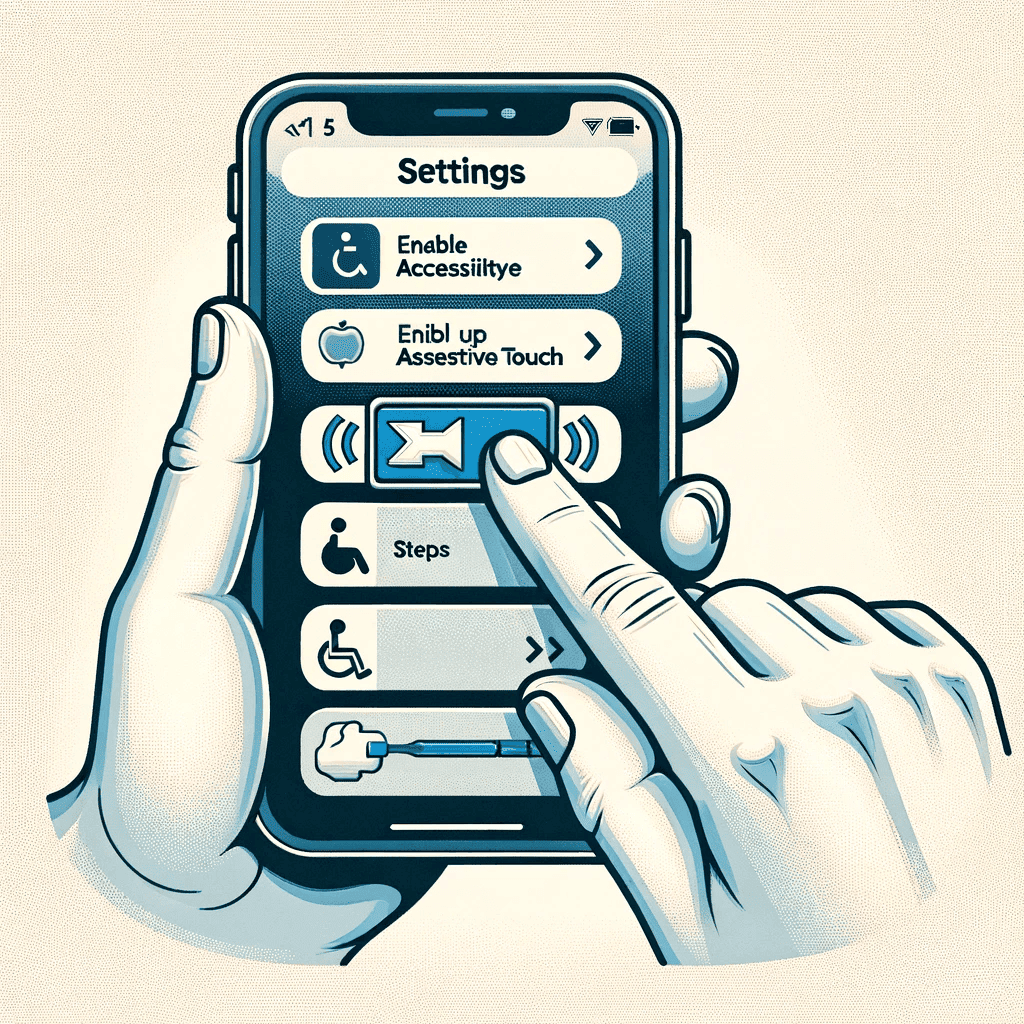
Setting up Assistive Touch on your iPhone Setting up AssistiveTouch on your iPhone is a great idea, especially if you’re anticipating issues with some of the phone’s physical buttons or functions. AssistiveTouch creates a virtual button on your screen, giving you access to various iPhone features without needing to use the physical buttons. Here’s a […]